
Best Cybersecurity Tools Every IT Professional Should Use
Best Cybersecurity Tools Every IT Professional Should Use
In today’s fast-paced, hyperconnected world, the threat landscape is constantly evolving. Whether you’re managing a small business network or securing the infrastructure of a global enterprise, robust cybersecurity isn’t just a nice-to-have—it’s essential for survival. The right tools can be the difference between a close call and a catastrophic breach.
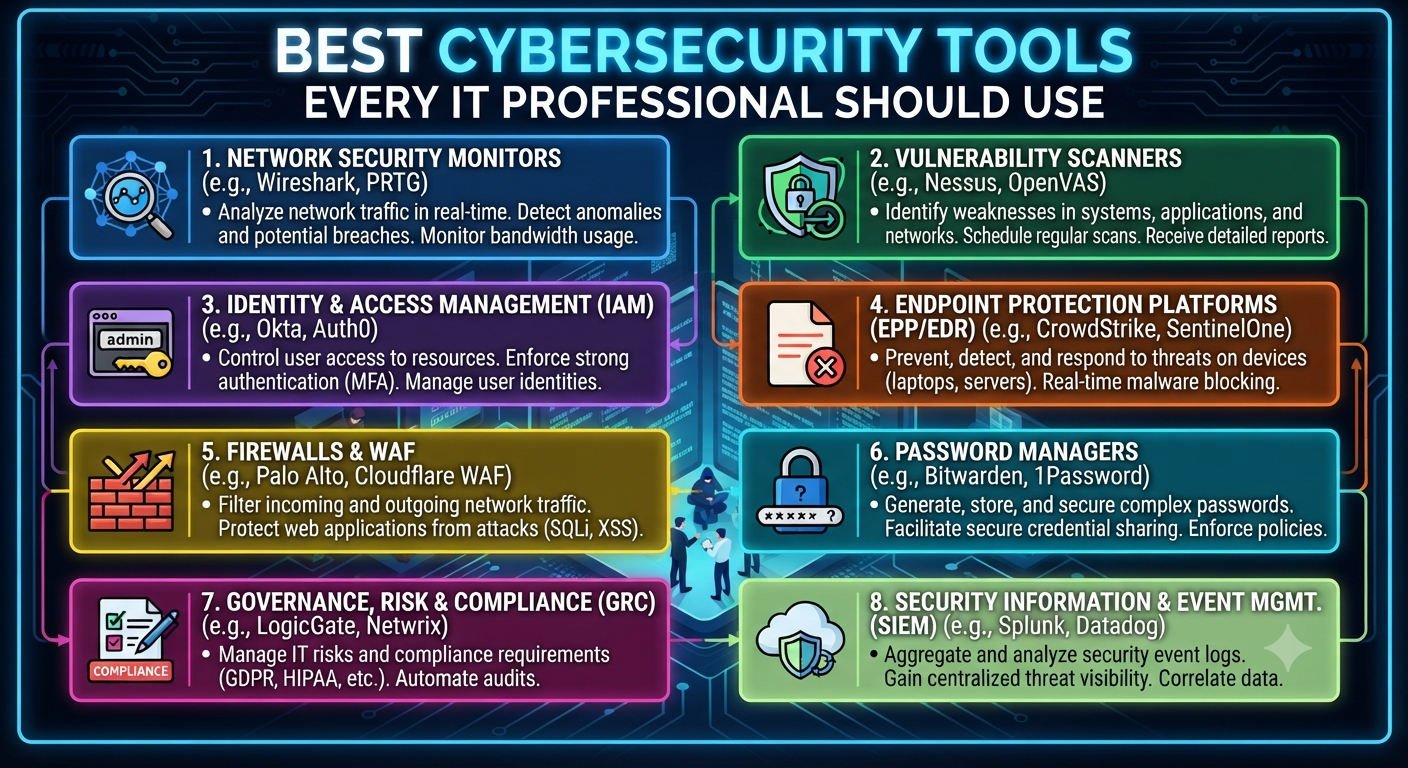
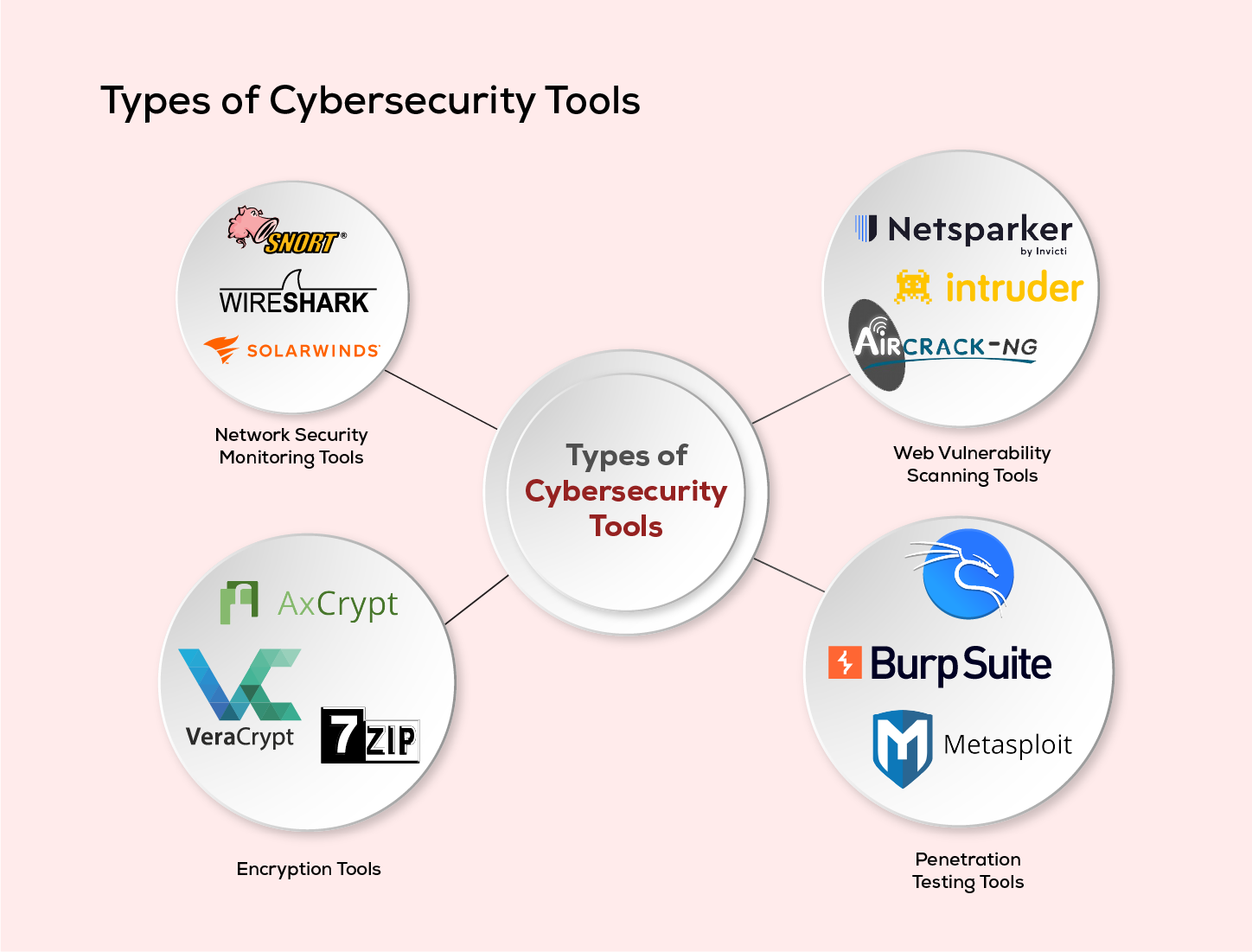
But with so many cybersecurity tools on the market, how do you know which ones are truly indispensable for IT pros? This guide breaks down the best cybersecurity tools every IT professional should know, covering network protection, endpoint security, vulnerability scanning, penetration testing, password management, log analysis, and more.
Why Cybersecurity Tools Matter
Imagine defending a castle with just a wooden shield—you wouldn’t stand a chance against a modern siege. The same goes for defending your digital assets. Cybersecurity tools are your moat, drawbridge, watchtowers, and guards. They help you:
- Detect and block attacks before they cause harm
- Find vulnerabilities before hackers do
- Monitor networks for suspicious activity
- Respond quickly to incidents
- Educate and empower users
Whether you’re a system admin, network engineer, or security analyst, your toolkit should be as sharp and up-to-date as the threats you face.
1. Firewalls: Your First Line of Defense
What they do:
Firewalls act as gatekeepers, controlling the flow of traffic between your internal network and the outside world. They block unauthorized access while allowing legitimate communication.
Top tools:
- pfSense: Open-source, powerful, and highly customizable. pfSense is a favorite for businesses of all sizes.
- Cisco ASA: A robust enterprise solution with advanced features for large organizations.
- Sophos XG Firewall: Known for its user-friendly interface and deep visibility into network traffic.
Why it matters:
A properly configured firewall can stop most attacks before they even reach your network—think of it as the locked front door to your digital house.
2. Antivirus and Anti-Malware: Guarding Every Endpoint
What they do:
Antivirus (AV) and anti-malware tools scan devices for malicious software. They detect, quarantine, and remove viruses, worms, trojans, ransomware, spyware, and more.
Top tools:
- Bitdefender GravityZone: Renowned for its strong protection, minimal system impact, and centralized management.
- Malwarebytes: Especially effective at catching modern threats missed by traditional AV.
- Windows Defender: Built into Windows 10/11, free, and steadily improving—great baseline protection.
Why it matters:
With users constantly downloading files, opening emails, and plugging in USB drives, endpoints are a common entry point for attacks. Good AV/anti-malware is non-negotiable.
3. Intrusion Detection and Prevention Systems (IDS/IPS)
What they do:
IDS/IPS tools monitor network traffic for malicious activity. IDS tools alert you to potential threats, while IPS solutions can automatically block them.
Top tools:
- Snort: Open-source, highly customizable, and trusted by pros worldwide.
- Suricata: Fast, multi-threaded, and great for high-traffic networks.
- OSSEC: An open-source host-based IDS with log analysis and rootkit detection.
Why it matters:
IDS/IPS tools are like security cameras for your network—spotting suspicious activity before it becomes a disaster.
4. Vulnerability Scanners: Finding the Weak Spots
What they do:
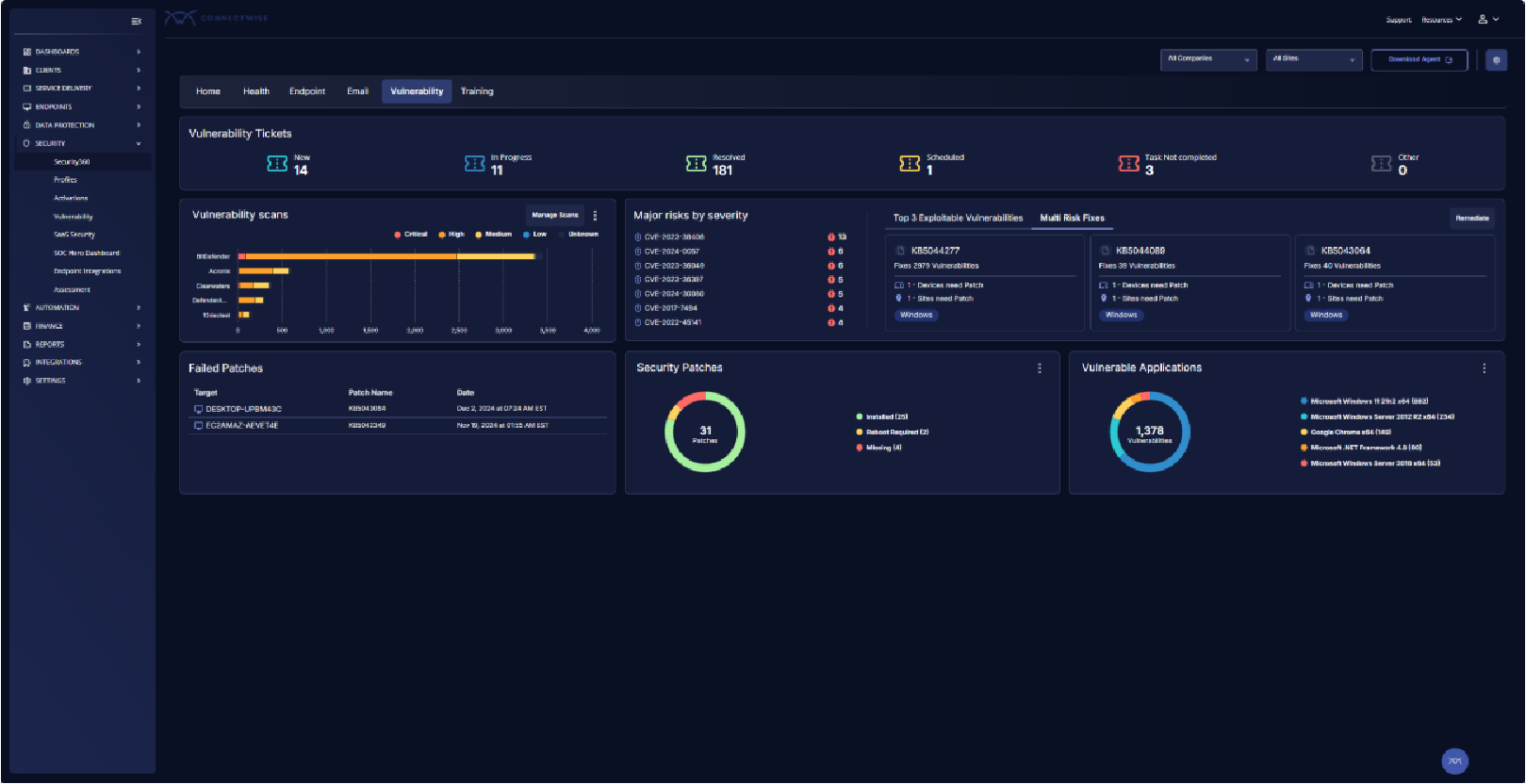
Vulnerability scanners check systems, software, and networks for known security flaws and misconfigurations.
Top tools:
- Nessus: Arguably the industry standard, with a huge database of vulnerabilities.
- OpenVAS: Free and open-source; ideal for smaller organizations or those with tight budgets.
- Qualys: Cloud-based and scalable, perfect for enterprises with lots of assets.
Why it matters:
Attackers are always on the lookout for weaknesses. Regular vulnerability scanning helps you find and fix issues—before hackers do.
5. Penetration Testing Frameworks: Think Like a Hacker
What they do:
Penetration (pen) testing simulates real-world attacks on your systems to identify gaps in your defenses.
Top tools:
- Metasploit Framework: The go-to tool for ethical hackers; automates and simplifies exploit development.
- Kali Linux: A Linux distribution packed with hundreds of penetration testing and security tools.
- Burp Suite: Essential for web application testing and uncovering flaws like SQL injection or XSS.
Why it matters:
Defending your network is easier when you know what a real attack looks like. Pen testing tools help you see your environment through an attacker’s eyes.
6. Network Monitoring and Analyzers: Know What’s Happening
What they do:
These tools track network traffic, performance, and health, helping you spot unusual behavior or bottlenecks.
Top tools:
- Wireshark: The gold standard for network protocol analysis, used to capture and inspect packets in real time.
- SolarWinds Network Performance Monitor: Enterprise-grade, with customizable dashboards and powerful alerting.
- Nagios: Open-source and highly extensible, ideal for monitoring servers and network devices.
Why it matters:
Network monitoring is like having a radar for your environment—quickly detecting DDoS attacks, rogue devices, or data exfiltration attempts.
7. Security Information and Event Management (SIEM)
What they do:
SIEM tools collect, analyze, and correlate logs from across your organization to spot threats, investigate incidents, and ensure compliance.
Top tools:
- Splunk: Powerful, scalable, and packed with features for large enterprises.
- ELK Stack (Elasticsearch, Logstash, Kibana): Open-source and highly customizable, suitable for smaller teams or those with in-house expertise.
- IBM QRadar: Used in many large organizations for advanced threat detection.
Why it matters:
With so many devices and apps generating logs, SIEM tools help you see the big picture—turning noise into actionable security insights.
8. Password Managers: Taming the Password Beast
What they do:
Password managers generate, store, and autofill complex passwords, making it easy to use unique logins everywhere—without memorizing them all.
Top tools:
- LastPass: Easy to use, with browser and mobile support.
- 1Password: Known for its security and “Watchtower” feature, which checks for breaches.
- Bitwarden: Open-source, affordable, and trusted by security professionals.
Why it matters:
Weak and reused passwords are still a top cause of breaches. A password manager turns good intentions into real-world security.
9. Patch Management Solutions: Keeping Everything Up to Date
What they do:
Patch management tools automate the process of finding, testing, and applying software updates across your environment.
Top tools:
- ManageEngine Patch Manager Plus: Supports Windows, macOS, and Linux, with a user-friendly dashboard.
- Ivanti Patch for Windows: Formerly Shavlik, great for automating Microsoft and third-party app updates.
- PDQ Deploy: Excellent for smaller organizations looking for fast, reliable patching.
Why it matters:
Unpatched software is a hacker’s playground. Patch management ensures no device or application is left behind.
10. Backup and Recovery Tools: Your Safety Net
What they do:
Backup tools protect your data by saving copies—on-site, off-site, or in the cloud. Recovery features help you bounce back from attacks like ransomware.
Top tools:
- Veeam Backup & Replication: Known for reliability and scalability, works with physical, virtual, and cloud environments.
- Acronis Cyber Protect: Combines backup with anti-malware and endpoint security.
- Backblaze: Affordable, cloud-based backups for small businesses and individuals.
Why it matters:
No matter how strong your defenses, disasters happen. A solid backup strategy is your insurance policy against data loss.
11. Email Security Gateways: Stopping Attacks at the Inbox
What they do:
Email gateways block spam, malware, phishing, and targeted attacks before they reach users.
Top tools:
- Proofpoint Essentials: Industry leader with advanced threat protection and compliance features.
- Mimecast: Cloud-based, easy to integrate, and excellent at stopping phishing.
- Barracuda Essentials: Affordable and popular with mid-sized organizations.
Why it matters:
Most breaches start with a simple email. A good gateway keeps threats out and users safe.
12. Web Application Firewalls (WAFs): Protecting Your Web Presence
What they do:
WAFs filter and monitor HTTP traffic between users and web applications, blocking attacks like SQL injection, cross-site scripting (XSS), and more.
Top tools:
- Cloudflare WAF: Easy to deploy and integrates with their global CDN and DDoS protection.
- AWS WAF: Perfect for organizations hosting apps on Amazon Web Services.
- Imperva WAF: Trusted by enterprises for strong, flexible web security.
Why it matters:
If you run a website, you’re a target. WAFs protect both your data and your reputation.
13. Mobile Device Management (MDM) Solutions
What they do:
MDM tools help manage, secure, and monitor mobile devices used in your organization, enforcing policies and remotely wiping lost or stolen devices.
Top tools:
- VMware Workspace ONE (AirWatch): Feature-rich and scalable.
- Microsoft Intune: Integrates seamlessly with Office 365 and Windows environments.
- Jamf Pro: The gold standard for managing Apple devices.
Why it matters:
With remote work and BYOD (bring your own device) on the rise, mobile security is more important than ever.
14. DNS Filtering and Protection
What they do:
DNS filtering blocks users from accessing malicious or inappropriate websites by checking the domain’s reputation before loading it.
Top tools:
- Cisco Umbrella: Easy to deploy, works everywhere users go.
- WebTitan: Affordable and effective for small to mid-sized businesses.
- Quad9: Free service that blocks known bad domains, great for individuals and nonprofits.
Why it matters:
DNS protection adds another layer, stopping threats before they even hit your network.
15. Security Awareness Training Platforms
What they do:
These tools educate users on cybersecurity best practices, phishing, social engineering, and how to recognize threats.
Top tools:
- KnowBe4: Engaging content, simulated phishing, and detailed reporting.
- Cofense: Focuses on phishing defense with real-world scenarios.
- Proofpoint Security Awareness: Integrates with email security for seamless training.
Why it matters:
Your people are both your strongest defense and your biggest risk. Good training empowers users to spot and stop attacks before they start.
Putting It All Together: Building Your Cybersecurity Toolkit
Every organization is unique—your mix of cybersecurity tools should reflect your specific risks, resources, and goals. But no matter your size, these categories represent the essential building blocks of a modern defense strategy.
Tips for Success:
- Start with the basics: firewalls, antivirus, backups, and strong passwords.
- Layer your defenses: combine multiple tools for better protection.
- Regularly review and update your toolkit: threats change, and so should your defenses.
- Involve your team: train users, share responsibility, and foster a culture of security.
- Test your plan: run drills, simulate attacks, and fix any weaknesses you find.
Final Thoughts: The Human Side of Cybersecurity
While tools are critical, don’t forget the human element. Technology can only do so much—real security comes from people who are curious, vigilant, and proactive.
Stay informed about new threats. Experiment with new tools. Learn from incidents and share knowledge. In cybersecurity, the best defense is a blend of smart tools and even smarter people.
By building and maintaining a strong cybersecurity toolkit, you’re not just protecting your organization—you’re helping create a safer internet for everyone.